Apple Speaker Cleaner: Clear Dust Water from iPhone Speakers
Revive your Apple speaker’s clarity with a powerful cleaning sound — instantly remove dust and enjoy crisp, clear audio in seconds.
PRESS START TO CLEAN APPLE SPEAKER
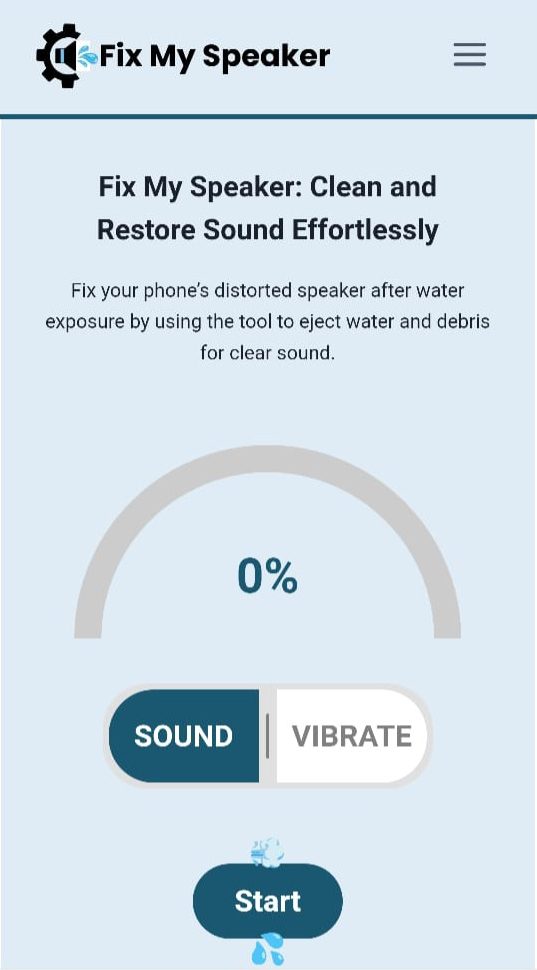
If you want to keep your iPhone’s speakers clean because it is about more than just sound quality, it's about protecting your device from long-term damage. When dust or water gets trapped inside those tiny speaker grills, even the most advanced iPhone can start sounding muffled or distorted. A quick, safe, and effective cleaning can restore your phone’s crisp audio without needing to visit a repair shop.
Our Apple Speaker Cleaner tool makes this process simple. Using special sound frequencies and vibrations, it helps eject trapped water and dust directly from your speakers. There’s no need for downloads, no expensive tools, and no risky poking inside your phone. In just a few seconds, your iPhone can sound clear again.
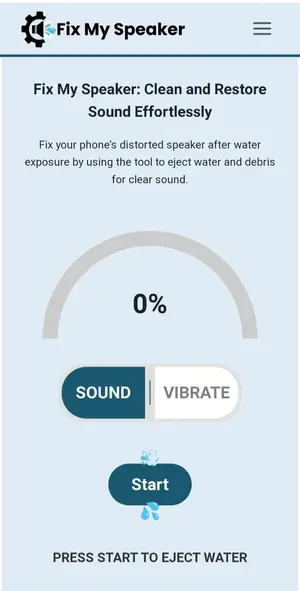
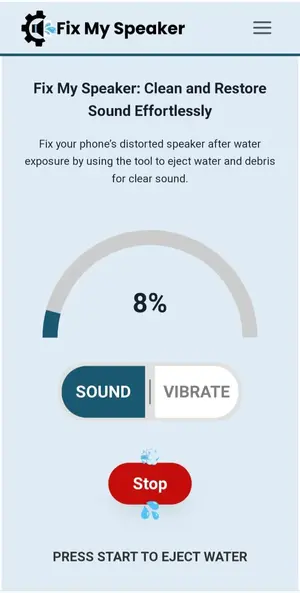
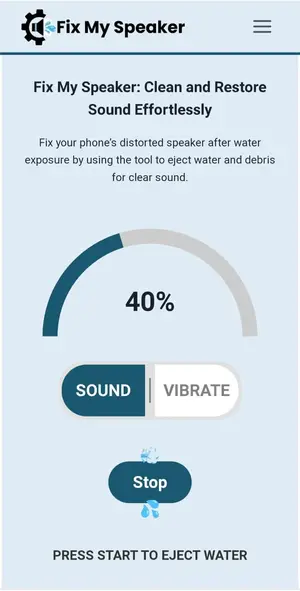
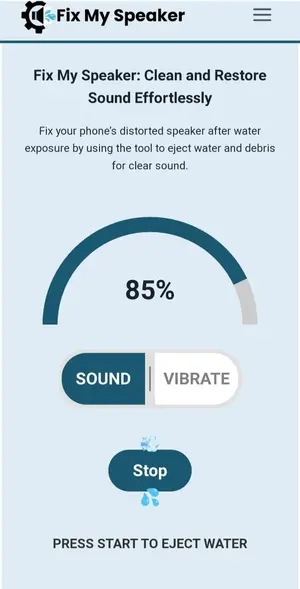
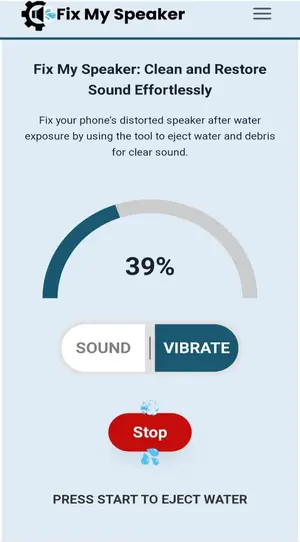
Apple Speaker Cleaner Interface
Why Cleaning Your Apple Speakers Matters
The iPhone’s audio system is engineered for precision. But no matter how advanced it is, the speaker openings are vulnerable to external particles. Over time, dirt and moisture can block sound pathways, causing:
If your iPhone recently got wet, the sound may become crackly or distorted. Even if it dries on the outside, moisture can remain trapped inside, gradually affecting internal parts. Acting quickly can prevent permanent damage.
Another common issue is dust accumulation. Lint from pockets or bags can slowly build up and block the speaker mesh. You might not notice it right away, but over time, the sound gets duller.
Common Reasons Your iPhone Speaker Gets Blocked
Understanding why your iPhone speaker clogs up helps you prevent future issues. Here are the most common culprits:
Even water-resistant iPhone models can still hold trapped moisture in the speaker chamber. Water resistance doesn’t mean waterproof. That’s why a dedicated sound-based cleaner is a smarter option than waiting for it to “dry naturally.”
How Apple Speaker Cleaner Works
The magic behind Apple Speaker Cleaner lies in sound frequency technology. Instead of opening your device or using risky DIY tools like pins or compressed air, this method uses carefully tuned sound waves to vibrate moisture and dust out of the speaker chamber.
When these low-frequency pulses hit your speaker, they push trapped particles and droplets outward, letting them escape through the grill. This makes it not only effective but also 100% safe for your device’s internal components.
Unlike traditional cleaning methods that rely on physical contact, sound-based cleaning doesn’t damage the mesh, waterproof coating, or delicate diaphragm. That means it’s perfect for modern iPhone models with advanced water resistance.
Here’s why it works so well:

Step-by-Step Guide to Clean Your iPhone Speakers
Cleaning your Apple speaker with this tool is straightforward. You don’t need to download any app or connect anything. Just follow these simple steps carefully for the best results:
Step 1: Open the Apple Speaker Cleaner Tool
Visit the official cleaning page on your browser
Step 2: Turn Your Volume All the Way Up
To get the best vibration effect, increase your iPhone’s volume to the maximum. This allows the sound wave to push out moisture and dust effectively.
Step 3: Select the Cleaning Mode
There are usually two options:
Choose the mode that suits your situation best.
Step 4: Place the iPhone on a Flat Surface
Set your phone face down on a flat surface. This lets the vibration spread evenly through the speaker grill.
Step 5: Run the Cleaning Sound
Tap “Start Cleaning.” You’ll hear a strong sound vibration. Leave the phone undisturbed during this step.
Step 6: Check and Repeat if Needed
Once the sound stops, wipe the speaker grill gently with a soft, dry cloth. Play any music or video to test the sound quality. If it’s still a little muffled, run the cycle again.

Pro Tip for Best Results
A single cleaning cycle often does the trick, but running it twice can give even better results if the blockage was severe.
Key Benefits of Using Apple Speaker Cleaner
When most people notice crackly sound from their iPhone, their first instinct is to wipe it down or try to poke the mesh with a pin. That often makes the problem worse. What makes this sound-based cleaning tool so useful is that it’s fast, safe, and surprisingly effective without any physical contact.
Here are the biggest advantages:
Regular cleaning isn’t just about better sound today it also means your speaker will last longer and maintain its original audio performance over time.
DIY vs. Professional Cleaning: Which One Is Right for You?
While this sound-based tool can fix most mild to moderate audio blockages, it’s important to know when you can handle the cleaning yourself and when it’s smarter to call a pro.
When DIY Cleaning Is Enough:
In these cases, a simple cleaning session can restore your speaker quality in just a few minutes.
When to Seek Professional Help:
Professionals have the tools to open the phone safely and clean or replace internal components. But in most day-to-day cases, the Apple Speaker Cleaner is all you need to get things back to normal.

Pro Tips to Keep Your Apple Speakers Clean
Once you’ve successfully cleaned your iPhone or other Apple device’s speakers, the next step is to keep them from getting clogged again. Prevention is the smartest way to avoid distortion, expensive repairs, or frequent cleanings.
Here are some practical tips to protect your speaker’s sound quality:
Taking a few small steps now can save you the hassle of muffled audio, distorted calls, or even costly speaker replacements later on.
Frequently Asked Questions (FAQs)

Final Thoughts — Give Your Apple Speakers a Fresh Start
Muffled audio and distorted sound can make even the most premium Apple device feel ordinary. But with the Apple Speaker Cleaner, you have a simple, effective, and completely free way to bring back that rich, clear sound.
Regular cleaning prevents water damage, reduces dust buildup, and extends your speaker’s lifespan. Whether it’s your iPhone, AirPods, or MacBook — this method works in just a few minutes without any risk.
👉 Take action today: Open the Apple Speaker Cleaner, turn up your volume, and let the sound waves do the hard work.
Your speakers will thank you every time you press play. 🎧✨📱